








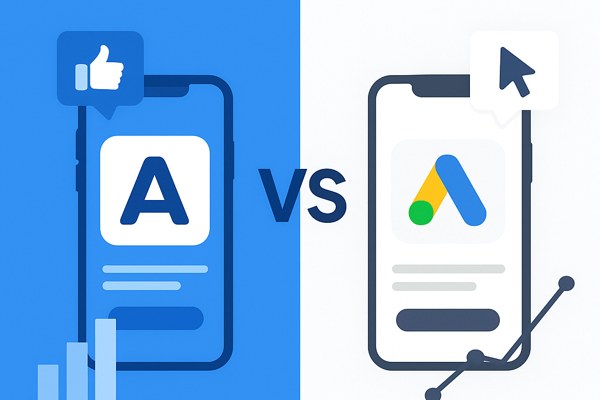
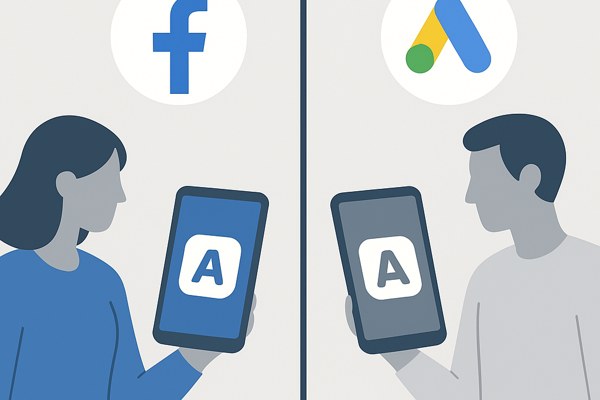
Promoting your app effectively requires choosing the right advertising platform that aligns with your goals, audience, and budget. Facebook and Google remain two of the most powerful options for app marketers, each with unique strengths. Understanding how their advertising solutions differ can help you maximize installs, engagement, and ROI.
Where Your Ads Appear and How Campaigns Work
Facebook, now part of Meta Platforms Inc., offers app advertising primarily within the Facebook and Instagram social ecosystems. Their app install campaigns leverage detailed user data, enabling you to target specific demographics, interests, and behaviors.
Google Ads runs app promotions via Universal App Campaigns (UAC), which extend across Google Search, YouTube, the Google Display Network, and the Google Play Store. UACs use machine learning to dynamically place your ads where they perform best based on your campaign goals.
Some key differences in campaign structure:
- Meta Advantage+ campaigns: Use AI-driven automation to optimize delivery toward users most likely to download or engage with your app within the Facebook ecosystem.
- Google Performance Max campaigns: A single campaign setup manages delivery of ads across all Google properties, optimizing based on your specified conversion goals.
Cost Considerations and Budget Efficiency
Costs vary significantly between these two platforms and depend heavily on your target audience and campaign settings. As of 2025:
- The average cost per click (CPC) for Google Ads was around $5.26.
- Meta Ads averaged significantly lower at about $1.72 per click.
This difference reflects Google’s tendency to capture high-intent users who are actively searching for solutions, making clicks potentially more valuable but also costlier. Meanwhile, Meta’s lower CPC enables broader reach and brand awareness at a smaller spend but may require more optimization to drive high-value conversions.
Choosing Based on Your Target Audience and Goals
Your app’s nature and your specific marketing goals should guide your platform choice:
- For capturing high-intent users: Google Ads excels by targeting users searching for apps or related content, especially effective for apps solving specific problems or niche needs.
- For building brand awareness and engagement: Facebook and Instagram provide the advantage of immersive social environments to attract users who may not be actively searching but can be persuaded through targeted storytelling and retargeting.
Consider the demographics and behavior of your ideal user. For example, if your app targets younger audiences heavily active on Instagram, Meta could offer richer engagement. Conversely, if your app benefits from search intent (e.g., productivity tools or B2B apps), Google might perform better.
Privacy Changes and Their Impact on Advertising
Apple’s App Tracking Transparency (ATT) framework has affected tracking precision on both advertising platforms. This means data on user behavior is more limited, impacting retargeting and attribution accuracy:
- Meta has adapted by strengthening its AI-driven automation, but targeting is generally less granular than pre-ATT.
- Google continues to optimize campaign delivery using aggregated signals but relies more on machine learning and broad targeting categories.
Advertisers should prioritize campaign strategies that do not depend heavily on individual-level tracking but instead focus on conversions and user engagement metrics.
Managing and Optimizing Campaigns on the Go
Both platforms provide mobile apps to help advertisers stay on top of campaign performance and make timely adjustments:
- Meta Ads Manager app: Monitor your Advantage+ campaigns, adjust budgets, and respond to performance insights quickly.
- Google Ads mobile app: Manage Performance Max campaigns effectively, review conversion data, and tweak bids or creative assets where needed.
Regular monitoring and optimization—such as refreshing creatives or testing new audience segments—are essential to maintain campaign relevance and maximize return on ad spend.
Quick Checklist Before Launching
- Define your primary campaign goal: installs, in-app actions, or brand awareness.
- Analyze your target audience’s preferred platforms and behaviors.
- Set clear budget limits and compare estimated CPCs.
- Prepare diverse creative assets tailored to each platform’s format.
- Configure campaigns to leverage automated optimization tools (Advantage+ or Performance Max).
- Plan for iterative testing and track key metrics such as cost per install (CPI) and return on ad spend (ROAS).
Conclusion and Next Steps
Deciding between Facebook and Google Ads for your app marketing boils down to your target user profile and campaign objectives. Use Google Ads if you want to reach users actively searching for solutions your app provides, maximizing installs from high-intent traffic. Opt for Meta to build awareness and engagement within a social context, reaching potential users who might not be in discovery mode yet.
Experimenting with both platforms using small test budgets can uncover unique insights about your audience’s responsiveness and cost-efficiency. For more detailed strategies on mobile app marketing and campaign management, visit our digital marketing category. Additionally, Google’s official Universal App Campaign documentation provides valuable guidance on campaign setup and best practices—ideal for beginners and seasoned marketers alike.