




No-code platforms empower founders, marketers, and builders to launch applications rapidly without deep programming knowledge. However, as with any software, security remains a critical concern that can affect user trust and business reputation. Understanding and addressing security considerations early can save time, avoid breaches, and ensure your app scales safely.
Understand the Security Landscape of No-Code Apps
No-code apps rely on third-party platforms that handle most of the backend and infrastructure components, which can offer inherent security advantages but also risks. Common vulnerabilities include data exposure, weak authentication, and lack of regulatory compliance. Since you often don’t control the core code, understanding the security features the no-code platform provides is vital.
- Review the platform’s security documentation and certifications.
- Check if data is encrypted in transit (TLS) and at rest.
- Evaluate user access controls and roles available within the platform.
- Ask how the platform manages backups, disaster recovery, and incident response.
Data Privacy and Compliance Challenges
Many no-code apps process personal or sensitive data, making privacy compliance critical. Regulations like GDPR, CCPA, and HIPAA mandate strict handling and storage of user data.
- Verify whether your platform supports data residency controls to store data in compliant geographic regions.
- Make sure you can implement clear consent flows and privacy notices.
- Use built-in features, or integrate with tools that allow easy user data export or deletion requests.
- Document your data processing activities to streamline compliance audits.
Keep Authentication and Access Secure
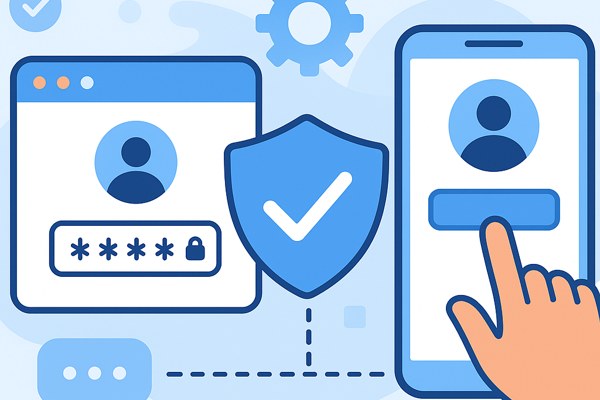
Authentication is often a weak point in app security, especially if your no-code app allows user sign-ups or logins.
- Enable multi-factor authentication (MFA) for any admin or sensitive user roles.
- If supported, integrate with trusted identity providers (OAuth with Google, Facebook, etc.) for secure logins.
- Regularly audit who has access to app admin features and data.
- Limit API keys or webhook permissions to the minimum needed.
Secure Integrations and Third-Party Components

No-code tools often connect with other services—email marketing, payment systems, CRMs—through integrations or plugins. This expands functionality but can increase your attack surface.
- Only use integrations from reputable sources or directly supported by the platform.
- Review the data each integration accesses and ensure it aligns with your privacy standards.
- Monitor connected services for unusual activities or unauthorized changes.
- Update or remove unused integrations promptly.
Routine Monitoring and Updates
Security isn’t a set-and-forget task. Periodically review your app’s security posture and platform updates.
- Regularly test your app’s inputs and workflows for vulnerabilities such as injection attacks or broken access control.
- Stay informed about the no-code platform’s security updates or breaches by subscribing to their newsletters or forums.
- Use analytics and logging features to track unusual user behavior or error spikes.
- Have an incident response plan ready in case of security events.
Security Checklist for Your No-Code App
- Have you reviewed the no-code platform’s security and compliance documentation?
- Is data encrypted both during transmission and at rest?
- Are user roles and access controls well defined and enforced?
- Have you enabled multi-factor authentication where possible?
- Are third-party integrations vetted and minimized?
- Do you provide transparent data privacy notices and consent options?
- Are you monitoring app activity and reviewing logs regularly?
Security is an ongoing commitment, even on no-code platforms designed for simplicity. By understanding the trade-offs and proactively applying these best practices, non-technical founders and marketers can build safer, compliant apps that protect their users and their businesses.
For a deeper dive into effectively launching and growing applications, visit our AI Tools category here at TechZog. Additionally, consider exploring the OWASP Top Ten for common security risks to be aware of in any application development.