






Creating effective user experience designs and mockups is a crucial step in developing successful digital products. For non-developers, founders, and marketers, leveraging the right tools can save time and help communicate design ideas clearly without the need for advanced design skills. Here, we explore five practical tools that can help you generate UX designs and mockups quickly and with professional results.
1. Figma: Collaborative Interface Design
Figma is a cloud-based design tool known for its ease of use and real-time collaboration features. It allows teams to create, prototype, and gather feedback all in one platform, making it ideal for founders and marketers looking to iterate quickly.
- Drag-and-drop interface with pre-built design components
- Supports interactive prototypes for user testing
- Works directly in your browser without installation
- Allows multiple stakeholders to comment and suggest changes
Whether you are designing a new app or redesigning an existing one, Figma provides templates and community resources to jumpstart your project.
2. Sketch: Mac-Friendly Design Simplicity
Sketch is a widely used design tool favored by many UX professionals for its simplicity and focus on interface design. Although it is Mac-only, its intuitive features make creating detailed mockups accessible even for non-designers.
- Easy vector editing tools tailored for UI design
- Supports plugins to extend functionality
- Export assets easily for developers or marketing teams
- Strong community with plenty of tutorials and templates
For marketers and product owners using Mac, Sketch remains a dependable option for creating crisp, clean UI designs fast.
3. Adobe XD: Integrated Experience Design
Adobe XD combines design, prototyping, and animation within one desktop app. It integrates well with other Adobe Creative Cloud tools, making it suitable for users already using Adobe products.
- Simple layout tools with drag-and-drop ease
- Supports auto-animate and micro-interactions
- Cloud documents enable easy sharing and collaboration
- Responsive resize helps with adapting designs for different screens
Adobe XD is a good fit for builders and marketers who want to add interactive prototypes without switching tools.
4. Balsamiq: Low-Fidelity Wireframing
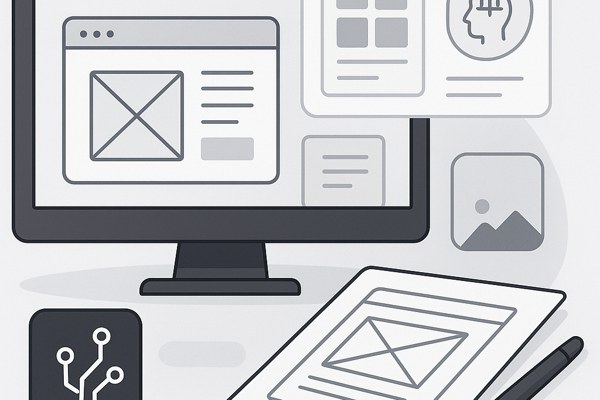
Balsamiq specializes in low-fidelity wireframes that focus on structure and user flow rather than polished visuals. This tool helps teams quickly ideate and validate layouts before committing to detailed designs.
- Hand-drawn style elements keep focus on layout and function
- Fast sketching workflow with drag-and-drop assets
- Supports sharing and commenting to gather feedback
- Standalone app and web-based option available
Use Balsamiq to draft your app’s user flow and page hierarchy early in your project for faster alignment among stakeholders.
5. Mockplus: Rapid Prototyping and Design
Mockplus offers a simple, all-in-one platform aiming to speed up prototype creation with ready-made components and easy interactions. It is ideal for non-developers seeking to communicate their ideas visually without a steep learning curve.
- Drag-and-drop components and templates for quick mockups
- Interactive prototypes with transitions and gestures
- Supports multi-platform preview on mobile and desktop
- Collaboration features to invite team members and clients
Mockplus streamlines the process of moving from ideas to shareable prototypes, helping you gain actionable feedback quickly.
Checklist for Choosing Your UX Design Tool
- Do you need real-time collaboration with your team?
- Are you looking for low-fidelity wireframes or high-fidelity designs?
- What platforms do you use (Windows, Mac, or web)?
- Is prototyping and interactivity important to communicate your ideas clearly?
- Do you require integration with other tools or software?
By answering these questions, you can align your choice with your project needs and team capabilities.
Next Steps for Your Design Journey
Start by exploring these tools based on your unique needs. Most offer free trials or free tiers to experiment without commitment. Use our tips and best practices for UX design for additional guidance on designing your app. For official resources and tutorials, visit the Figma Learn Design page to build your foundational skills.
With the right tools and a clear plan, you can generate professional UX designs and mockups that help you build better apps, communicate your ideas effectively, and boost productivity across your team.
If you think that you have a link that adds value to this article please contact us at techie[at]techzog[dot]com for evaluation of inclusion into the article.
Comments left solely for spamming links will be deleted. Thank you for understanding.