



Crafting a compelling app description is a crucial step in attracting users and driving downloads. It’s your chance to communicate what your app does, why it matters, and how it stands out from the competition – all within a limited space. Whether you’re launching your first app or optimizing an existing one, understanding how to write descriptions that convert can significantly boost your app’s visibility and appeal.
Understand Your Audience and Their Needs
Before writing, step into the shoes of your potential users. What problems do they face? What benefits are they looking for in an app like yours? Tailoring your language and focus to address their pain points will make your description resonate more effectively.
- Identify your target users and their primary goals.
- Highlight features that solve specific problems.
- Use language that matches your audience’s tone and understanding.
Focus on Clear, Benefit-Driven Language
Features tell, but benefits sell. Instead of simply listing what your app can do, explain how it improves the user’s life or workflow. For example, rather than “Includes task management,” say “Stay organized and increase productivity with intuitive task tracking.”
- Use short, direct sentences emphasizing user gains.
- Incorporate action verbs to inspire engagement.
- Avoid jargon or overly technical terms that might confuse non-experts.
Use Keywords Strategically Without Keyword Stuffing
App stores rely heavily on keywords to index and surface your app when users search. Conduct keyword research focused on relevant terms your audience is likely to use, then incorporate them naturally into the description. Overloading your text with keywords reduces readability and can harm conversions.
- Include main keywords early in the description.
- Maintain clear and natural phrasing to ensure flow.
- Consider using keyword variations and related terms.
Make Your Description Scan-Friendly
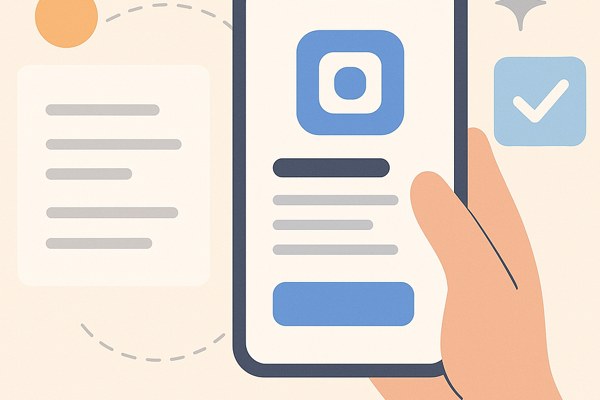
Most users skim app descriptions quickly. Structure your text to enhance readability:
- Break content into short paragraphs.
- Use bullet points to highlight key features and benefits.
- Use formatting options allowed by the store (e.g., line breaks, emojis for emphasis).
Include a Strong Call to Action
End your description by encouraging users to take the next step – downloading or exploring your app further. A clear call to action (CTA) can guide them effectively:
- Use verbs like “Download now,” “Try it free,” or “Start boosting your productivity.”
- Keep it brief and confident without sounding pushy.
- Consider alignment with promotional offers or free trials if applicable.
Quick Checklist for Optimized App Descriptions
- Defined target audience and addressed their needs
- Benefit-oriented language over feature listing
- Keywords incorporated naturally for search optimization
- Readable formatting with bullet points and short paragraphs
- Compelling call to action at the end
- Checked for spelling and grammatical errors
Writing an app description that converts requires clarity, focus, and empathy toward your audience. For more insights on marketing digital products and crafting compelling content, check out our digital marketing guides at Techzog. Additionally, tools like Google Play’s official app listing guidelines offer practical tips on optimizing your store presence.
Next steps: Revisit your current app description with these strategies in mind. Test different versions and track performance to see which style resonates most with your users. With a well-crafted description, you’ll turn more visitors into satisfied users and amplify your app’s success.