


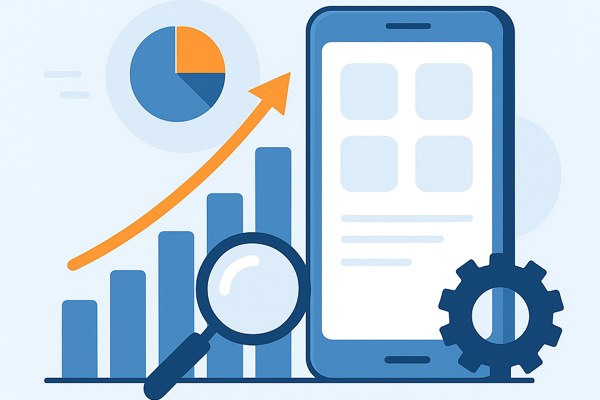
Creating a successful app involves more than just good design and coding. Understanding your users’ behavior and the app’s performance is key to making data-driven decisions that enhance user experience and increase retention. This is where analytics plays a vital role in app development, providing actionable insights at every stage of your project’s lifecycle.
Why Analytics Matters for Your App
Analytics allows you to track how users interact with your app in real time and over time. Instead of guessing what works or doesn’t, you gather concrete data on user engagement, feature usage, and app performance. This information helps you prioritize improvements, reduce churn, and optimize for growth.
- Identify which features users love and which they ignore.
- Track funnel conversion rates, like signups or purchases.
- Monitor app crashes and errors to improve stability.
- Understand user demographics and behavior patterns.
- Measure the success of marketing campaigns driving app downloads.
Choosing the Right Analytics Tools
There are many analytics platforms designed to meet different needs and budgets. For non-developers and small teams, selecting a user-friendly tool with easy integration is important. Popular choices include Google Analytics for Firebase, Mixpanel, Amplitude, and Flurry.
Consider these factors when choosing a tool:
- Ease of implementation: Can it be added without complex coding?
- Real-time data: How quickly can you access and act on insights?
- Custom events: Does it allow tracking specific actions relevant to your app?
- Reporting and dashboards: Are visualization tools intuitive and customizable?
- Pricing and scalability: Will the tool grow with your user base?
Integrating Analytics into Development
Early integration of analytics is crucial. Embedding tracking from day one provides a solid baseline to evaluate new features and design changes. Developers can add event tracking to key user actions such as button clicks, screen views, and transactions.
For those not coding themselves, collaboration with developers or using no-code platforms with built-in analytics can streamline the process. Be sure to:
- Define your KPIs and key user events before integration.
- Regularly test tracking to confirm data accuracy.
- Use analytics insights to guide sprint backlogs and release priorities.
Applying Analytics Data for Product Improvement
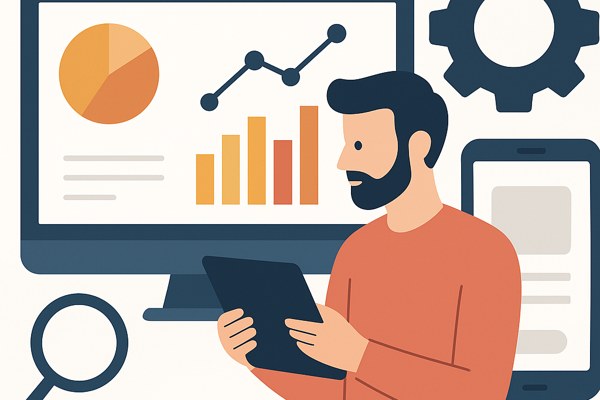
Once data is collected, it must be translated into meaningful product decisions. For instance:
- If user drop-off is high on a specific screen, investigate potential UX issues or bugs in that flow.
- Analyze feature adoption rates and consider promoting or tweaking underused features.
- Monitor retention cohorts to see how changes impact user loyalty over time.
- Segment users by demographics or behavior to tailor marketing messages or new features.
Integrate qualitative feedback alongside analytics for a full picture of user satisfaction and pain points.
Checklist for Leveraging Analytics Successfully
- Define clear goals and metrics aligned with business objectives.
- Choose an analytics tool that fits your technical and budget requirements.
- Plan event tracking around user journeys and key interactions.
- Work closely with development or use no-code solutions for smooth integration.
- Regularly review analytics reports and share insights with your team.
- Iterate your app based on data, not assumptions.
Conclusion and Next Steps
Incorporating analytics into your app development process transforms raw data into actionable insights that improve user engagement, reduce churn, and grow your app’s success. Start by selecting appropriate tools and defining your key metrics, then integrate tracking from the start of development. Use the data to iterate quickly and effectively on features and marketing strategies.
For further guidance on app development best practices and analytics integration, explore valuable resources at Techzog’s Development section. Additionally, review Google’s official Firebase Analytics documentation to learn more about setting up and optimizing your analytics ecosystem.