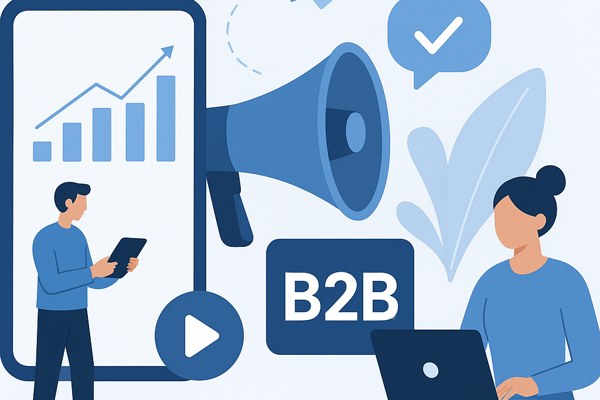






Video marketing has become one of the most powerful ways to showcase apps, engage users, and boost downloads. With millions of apps competing for attention, using video effectively can set your app apart and increase its visibility. Whether you are a founder, marketer, or builder with little technical background, leveraging video is an accessible and impactful strategy for promoting your app.
Create Clear and Engaging Demo Videos
One of the best ways to introduce your app to potential users is through a demo video. A demo video visually walks viewers through the core features and benefits without overwhelming them with technical jargon.
- Keep it short and focused – aim for 1 to 2 minutes.
- Highlight key functionalities that solve real problems.
- Use simple narration or text overlays to explain the screens.
- Show the app in action, preferably on a real device.
- Include a call to action at the end, like “Download now” or “Try free today.”
Leverage Social Media for Maximum Reach
Social media platforms are ideal for distributing your app videos to a broad audience. Tailor your videos to fit the format and expectations of each platform.
- Use vertical or square videos for Instagram and TikTok to capture full-screen attention.
- Post teaser clips or highlights with links back to your site or app store page.
- Engage with comments and encourage sharing to increase organic reach.
- Experiment with paid ads on platforms like Facebook or LinkedIn for targeted outreach.
Incorporate User Testimonials and Reviews
Potential users trust peer recommendations. Video testimonials add credibility and connect emotionally with your audience.
- Ask satisfied users to share short clips talking about their experience.
- Keep testimonials informal and authentic rather than over-polished.
- Showcase how your app solves specific problems faced by real users.
- Feature testimonials on your app’s landing page or social profiles.
Optimize for App Stores and Landing Pages
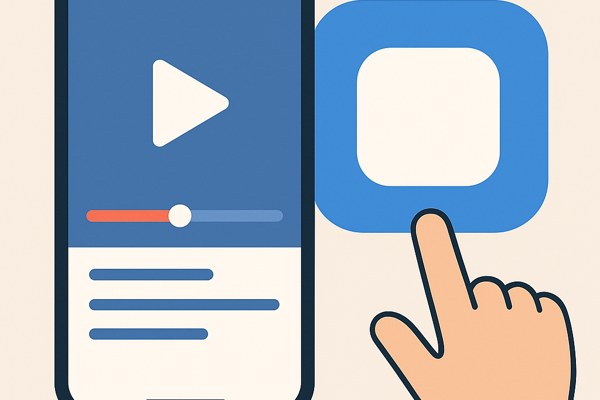
Video content isn’t just for social media. Embedding videos where users decide to download your app can significantly improve conversion rates.
- Use your demo video as a preview on your app’s page in the Google Play Store or Apple App Store.
- Host videos on your landing page with clear messaging and link buttons nearby.
- Ensure your videos load quickly and play smoothly on mobile devices.
- Include captions and subtitles for accessibility and silent autoplay scenarios.
Measure and Iterate Based on Performance
Tracking video performance helps you refine your approach to promotion. Use analytics tools to see what resonates with your audience.
- Monitor views, engagement rate, click-throughs, and app downloads tied to videos.
- Test different video lengths, styles, and calls to action for improvements.
- Gather user feedback to understand what content feels helpful or motivating.
- Use tools like YouTube Analytics or platform-specific stats to dive deep.
Quick Checklist for Your Video Promotion Strategy
- Define a clear goal for your video: awareness, downloads, or engagement.
- Create concise demo and testimonial videos with strong narratives.
- Adapt videos for social media with proper formats and captions.
- Integrate videos seamlessly on app stores and landing pages.
- Track performance metrics and iterate based on data.
- Maintain consistent branding and messaging across videos.
By integrating video into your app marketing strategy, you make your product more tangible and relatable to potential users. Start by creating simple demo videos and sharing them on social media to build initial momentum. Don’t forget to host videos on key pages and collect authentic testimonials that build trust. For more insights on promoting your app and boosting productivity, explore our digital marketing guides. Taking these steps will help you drive downloads and grow your app’s user base effectively.