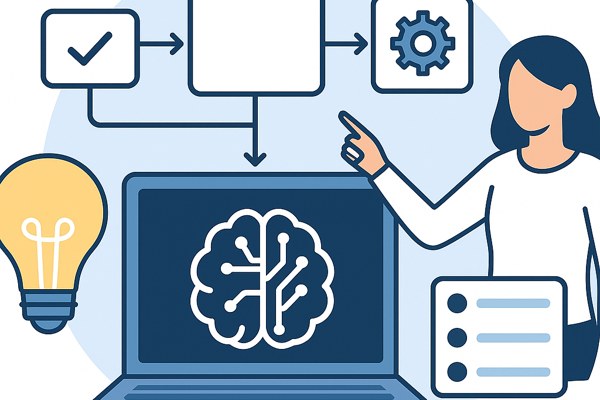









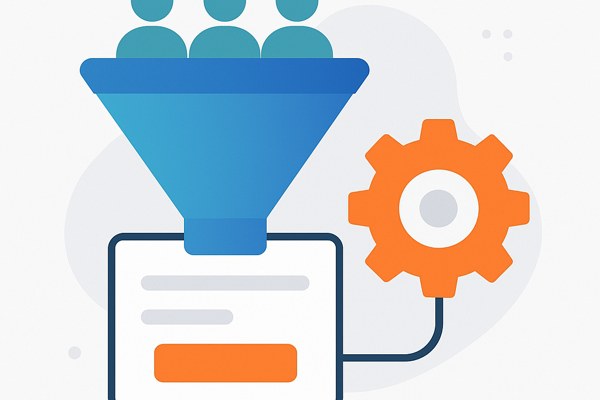
Capturing leads efficiently is a crucial step for founders, marketers, and builders aiming to grow their business or app user base. By combining the simplicity of Carrd for building landing pages with the automation power of Zapier, you can create an effective lead capture funnel without needing advanced development skills. This guide walks you through setting up a streamlined funnel that collects visitor data and automatically routes it where you need it.
Why Use Carrd and Zapier for Your Lead Funnel?
Carrd is a popular, user-friendly platform for creating single-page websites perfect for landing pages and lead generation forms. Its low cost and ease of use make it ideal for non-developers and startups. Zapier complements Carrd by automating the workflow—transferring captured leads into your CRM, email list, or messaging tools without manual intervention.
This combo offers:
- Quick setup: Launch a responsive landing page within minutes.
- Automation: No manual data entry; Zapier handles the follow-up process.
- Cost effectiveness: Both platforms offer free tiers suitable for many users starting out.
Setting Up Your Lead Capture Page on Carrd
Start by creating your landing page where visitors will submit their information. Here’s a step-by-step approach:
- Sign up for Carrd: Use the free plan first to test your design and forms.
- Choose a template: Carrd offers many templates optimized for capture forms, such as “Landing Page” or “Contact.”
- Add a form element: Insert a form block where users can enter their name, email, or any other lead data.
- Customize your form fields: Keep it simple—name and email are usually enough to start.
- Set up form notifications: In the “Form” settings, configure the form to send submission data to an email or store it within Carrd. You will link this to Zapier later for automation.
- Publish your Carrd page: You can use a free subdomain like yoursite.carrd.co or connect a custom domain if you upgrade.
Connecting Carrd to Zapier for Automation
With your capture page live, you need Zapier to automate lead processing. Here’s how to connect them:
- Create a Zapier account: Start with the Free plan, which supports unlimited Zaps with core features.
- Set up a new Zap: Choose Carrd as the trigger app. Carrd integrates with Zapier via webhook or form notification emails.
- Trigger event: Select “New Form Submission” as the event.
- Connect Carrd and Zapier: Depending on your Carrd plan, you may use a webhook URL (Pro plans) or forward the form submissions via email to a Zapier email parser step.
- Choose where to send leads: For the action step, connect your email marketing tool, CRM, spreadsheet (e.g. Google Sheets), or messenger apps.
- Test your Zap: Submit a test form entry to see if the automation correctly captures and routes the lead data.
Optimizing Your Funnel for Conversion and Data Quality
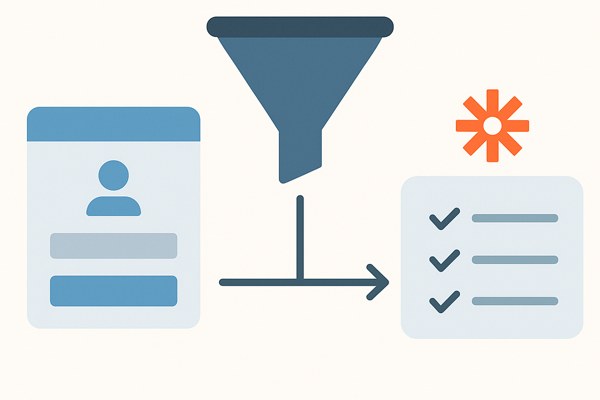
It is not enough to capture leads; optimizing how you collect and follow up determines your funnel success. Consider these tips:
- Clear call to action: Use concise, persuasive text like “Sign up for updates” or “Get a free demo.”
- Minimal form fields: Each extra field reduces conversion rates. Ask only for essentials.
- Thank you or confirmation page: Use Carrd to create a thank-you message or redirect after submission to confirm success.
- Lead validation: Use Zapier Filters to discard incomplete or invalid entries before sending data onwards.
- Follow-up automation: Immediately add leads to a nurturing sequence through your email marketing software or CRM.
Checklist for Launching Your Lead Funnel
- ✔ Created a Carrd landing page with a capture form
- ✔ Configured form action to send submission data externally
- ✔ Set up a Zap in Zapier triggered by new form submissions
- ✔ Connected Zap to CRM, email platform, or Google Sheets
- ✔ Tested form submission and Zap automation end-to-end
- ✔ Added clear call to action and thank-you confirmation
- ✔ Set up lead validation and filters in Zapier
- ✔ Planned a timely follow-up email or message sequence
Next Steps and Further Resources
Once your basic lead capture funnel is functioning, monitor analytics to see where visitors drop off or fail to convert. Consider upgrading Carrd to a Pro plan if you want more customization or direct webhook integrations with Zapier for seamless automation. Explore Zapier’s advanced features like multi-step Zaps, Paths, and Filters for smarter workflows.
For more detailed guides on app development and marketing automation, explore our development section. To learn more about Zapier’s automation capabilities, visit Zapier’s blog on lead capture automation.
Building an effective lead capture funnel doesn’t have to be complex. With Carrd and Zapier, you can launch a professional system fast and free, freeing your time to focus on growth and engagement.