









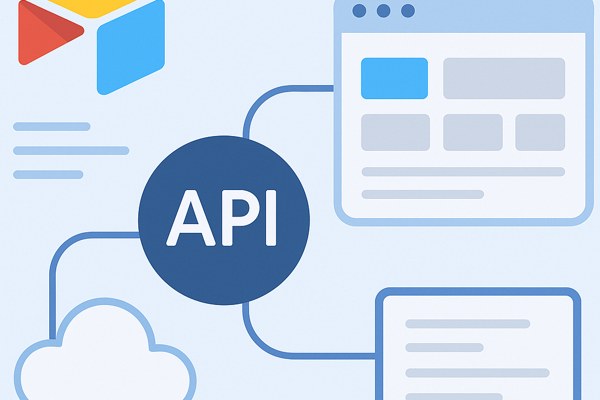
Integrating Airtable with your frontend application opens up powerful possibilities, allowing you to manage and manipulate your data-driven app seamlessly. By leveraging Airtable’s robust Web API, you can automate workflows, sync content, and create dynamic user experiences without needing a complex backend setup. This guide walks you through the essential steps to connect Airtable to your frontend using its API, along with practical tips to help non-developers and founders execute this with confidence.
Understanding Airtable’s API Basics
Airtable’s API is designed with RESTful principles, making it accessible and straightforward for anyone comfortable with basic web technologies. It uses JSON to encode data and standard HTTP methods such as GET, POST, PATCH, and DELETE to interact with your Airtable bases.
- API Key: A unique key linked to your account authorizes your app to access specific Airtable bases. Keep it secure to prevent unauthorized access.
- Endpoints: Each Airtable base has a dedicated API endpoint URL, which contains the base ID and table name. These endpoints allow you to perform CRUD operations on your data.
- Rate Limits: Airtable enforces 5 requests per second per base, with monthly usage caps depending on your plan—1,000 calls for Free and 5,000 for Team plan users.
Understanding these fundamentals will help you avoid common pitfalls when making API calls from your frontend.
Preparing Your Airtable Base for API Use
Before connecting Airtable with your app, prepare your base with careful planning for the tables, fields, and views you will interact with.
- Structure your data: Design tables with clear fields that reflect the information your app needs, such as names, dates, statuses, or attachments.
- Create specific Views: Use filtered views in Airtable to restrict the data your app fetches, optimizing performance and organization.
- Gather necessary identifiers: Obtain your Base ID, Table names, and API key from the Airtable API documentation page for your account.
These steps set a solid foundation for smooth API integration.
Making API Calls from Your Frontend
With the right setup, you can use JavaScript’s fetch or similar tools to interact with Airtable’s API directly from your frontend app.
Here’s a brief example to fetch records:
fetch('https://api.airtable.com/v0/yourBaseId/yourTableName', {
  headers: {
    Authorization: 'Bearer yourApiKey'
  }
})
.then(response => response.json())
.then(data => console.log(data.records))
.catch(error => console.error('Error:', error));
Key points to note:
- Use HTTPS to ensure data security.
- Include your API key in the Authorization header.
- Handle responses by parsing JSON and updating your UI accordingly.
- Implement error handling to troubleshoot issues.
For updating data, you will use the POST or PATCH methods with a JSON payload to send new or changed data fields.
Keeping Your API Keys and Data Secure
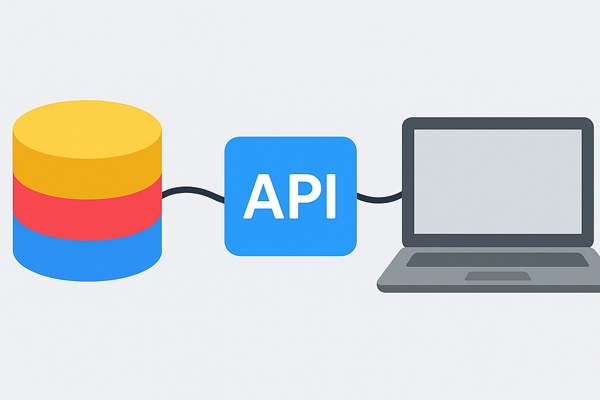
Because API keys grant access to your Airtable data, it’s crucial to protect them, especially in public-facing frontend codebases.
- Never hard-code API keys directly in frontend code: Instead, proxy API requests through a backend service or use environment variables with build tools.
- Use Airtable’s permission settings: Assign appropriate access levels to collaborators and monitor usage regularly.
- Monitor API usage limits: Stay within rate limits and monthly quotas to avoid disruptions.
If needed, explore open-source alternatives like NocoDB or Baserow for self-hosted, Airtable-like solutions that provide greater control over your data.
Checklist for Connecting Airtable to Your Frontend
- Set up your Airtable base with the needed tables, fields, and views.
- Generate and securely store your Airtable API key.
- Test API endpoints using Airtable’s API documentation to confirm access.
- Implement API calls in your frontend using JavaScript’s fetch or a similar tool.
- Use backend proxy or environment variables to keep API keys hidden.
- Handle responses and errors gracefully to improve user experience.
- Monitor your API usage to stay within rate limits and quotas.
Next Steps for Scaling and Performance
Once your Airtable frontend integration is working smoothly, consider these best practices for scaling:
- Caching: Cache frequently accessed data on the client side to reduce API calls.
- Pagination: Fetch data in chunks, especially for large tables, to stay within limits.
- Async workflows: Use asynchronous operations and loading states in the UI to enhance responsiveness.
- Automation: Combine Airtable API with automation tools or backend services for advanced workflows.
For deeper technical references and examples, visit Airtable’s official API documentation. To explore tips on app marketing or productivity enhancement beyond development, check out our development guides at TechZog Development.
Integrating Airtable with your frontend offers a practical, scalable way to manage app data efficiently. With a clear understanding of API basics and secure practices, building dynamic apps backed by Airtable’s flexible data platform becomes accessible to creators of all levels.