




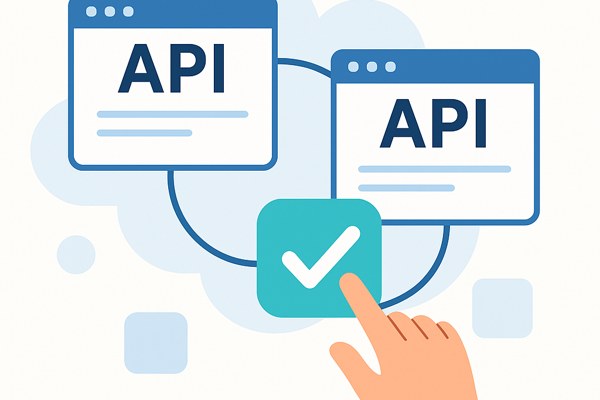
APIs are powerful tools that let different software systems communicate and share data. Traditionally, working with APIs required programming skills, which could be a barrier for non-developers like founders, marketers, and builders who want to streamline workflows or create simple apps. Fortunately, there are now practical ways to connect APIs without writing a single line of code. This guide will walk you through no-code strategies that help you integrate APIs efficiently to boost productivity and unlock new capabilities.
Understanding API Integration Without Coding
At its core, an API (Application Programming Interface) defines how software components interact. When you connect APIs without coding, you use tools that handle the complex technical details behind the scenes, allowing you to focus on what data to send and receive and when to trigger actions.
These no-code platforms provide visual interfaces to connect apps, automate tasks, and build workflows. Instead of writing scripts, you configure settings, map data fields, and set triggers in easy step-by-step processes.
Popular No-Code Platforms to Connect APIs
Several no-code integration platforms simplify API connections for non-technical users. Here are some widely used options:
- Zapier: Known for its extensive app ecosystem and intuitive interface. It connects over 3,000 apps like Gmail, Slack, and Google Sheets, letting you automate tasks effortlessly.
- Integromat (Make): Offers more advanced workflows and data manipulation capabilities with a visual builder, ideal for automations that require conditional logic.
- Microsoft Power Automate: Integrates well with Microsoft products and other cloud services, suitable for business users embedded in the Microsoft ecosystem.
- IFTTT: Focuses on simple, trigger-based workflows connecting popular consumer apps and devices, great for straightforward automations.
Choosing the right platform depends on your specific app ecosystem, use case complexity, and budget.
Step-by-Step Approach to Connecting APIs
Here is a practical, stepwise method to connect APIs without coding using the tools mentioned:
- Identify the apps or services you want to connect. For example, syncing e-commerce orders with a spreadsheet or posting social media updates from a content calendar.
- Set up accounts on the no-code platform and the apps involved. Make sure you have necessary permissions and API access enabled.
- Create a new workflow or automation by choosing trigger and action events. A trigger is an event in one app (e.g., a new order), and the action is what happens in another (e.g., adding a row to a sheet).
- Map the data fields between apps. For example, map “order date” in your store to “date” in the spreadsheet so information flows correctly.
- Test your automation thoroughly to ensure data passes as expected without errors.
- Activate and monitor your integration, optimizing or expanding it as you identify new use cases or data needs.
Common Use Cases Benefiting from No-Code API Connections
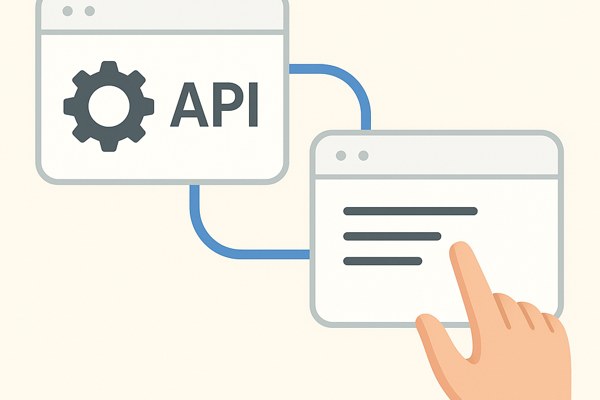
Many business functions benefit from no-code API integrations including:
- Marketing automation: Connecting CRM tools with email marketing platforms to sync contacts and track campaigns.
- Data consolidation: Aggregating data from multiple platforms into dashboards or Google Sheets for real-time insights.
- Sales workflows: Streamlining lead capture and follow-up by automatically sending form submissions to a sales tool.
- Customer support: Creating tickets or alerts in helpdesk software from social media mentions or web chat entries.
- Task automation: Moving files, sending reminders, or updating calendars triggered by project milestones or client interactions.
Checklist for Successful No-Code API Integration
- Define clear goals for what you want to automate or connect.
- Verify compatibility between your apps and the no-code platform.
- Secure appropriate API access and permissions.
- Test workflows with sample data before going live.
- Set up monitoring or alerts to catch errors early.
- Document your integrations for future reference or scaling.
Where to Learn More and Resources
To deepen your skills in connecting APIs without coding, explore beginner-friendly guides and video tutorials on trusted sites. Check out the development category at Techzog for practical app-building and integration tips tailored to non-developers.
Additionally, visiting vendor documentation like Zapier’s Help Center can provide hands-on examples and detailed steps for building specific workflows.
Conclusion and Next Steps
Connecting APIs without coding is now accessible, affordable, and practical for non-developers. By leveraging no-code platforms, you can automate workflows, save time, and enhance your app’s functionality without relying on engineering resources. To get started, pick one of the suggested tools and build a simple integration that solves a real pain point in your workflow. Over time, expand and refine your automations as you gain confidence.
Explore more on practical development strategies and no-code solutions at Techzog, your trusted resource for building productivity and marketing tools with ease.
If you think that you have a link that adds value to this article please contact us at techie[at]techzog[dot]com for evaluation of inclusion into the article.
Comments left solely for spamming links will be deleted. Thank you for understanding.